VA7COI · BUDGET-SAVVY HAM RADIO
HAMFamCheap radios. Real airtime.
I'm VA7COI, your ham buddy, and I unbox low-cost ham radios, walk you through programming with CHIRP and CPS software, and tell you which ones are stars and which ones are not.
SCAN
146.520
2m calling · MHz
THE RADIO RODEO
Tune in. Geek out.
Unboxings, programming walkthroughs, and honest takes live on YouTube, X, Instagram, and the Facebook group. TikTok is paused for now.
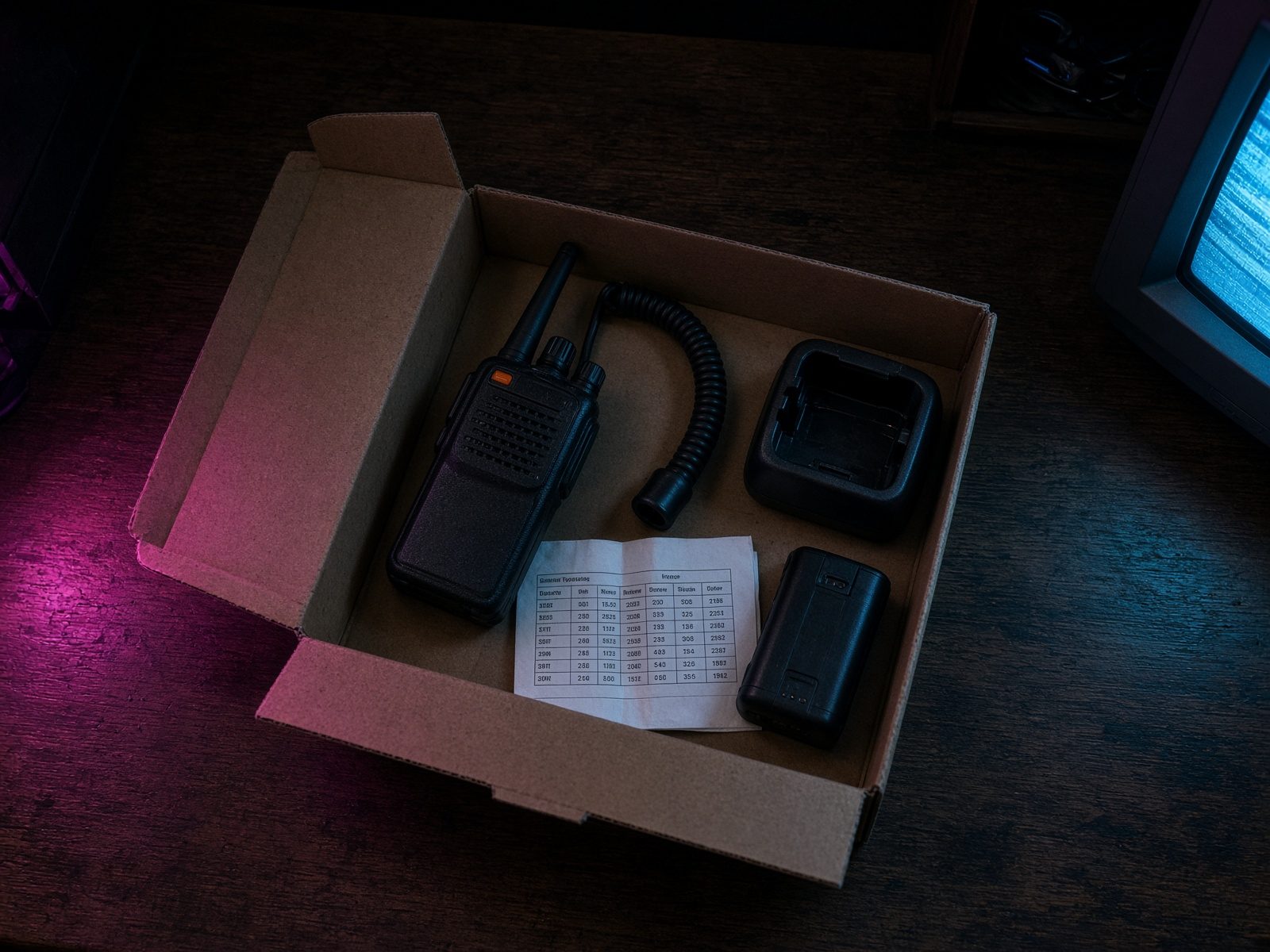
Unboxings, programming walkthroughs, and power tests of Baofeng, Quansheng, Tidradio, and the odd receiver live here, and polite criticism is welcome when I miss a step.
Watch
Quick takes, rig finds, and whatever just came out of the box, posted between the longer YouTube walkthroughs.
Follow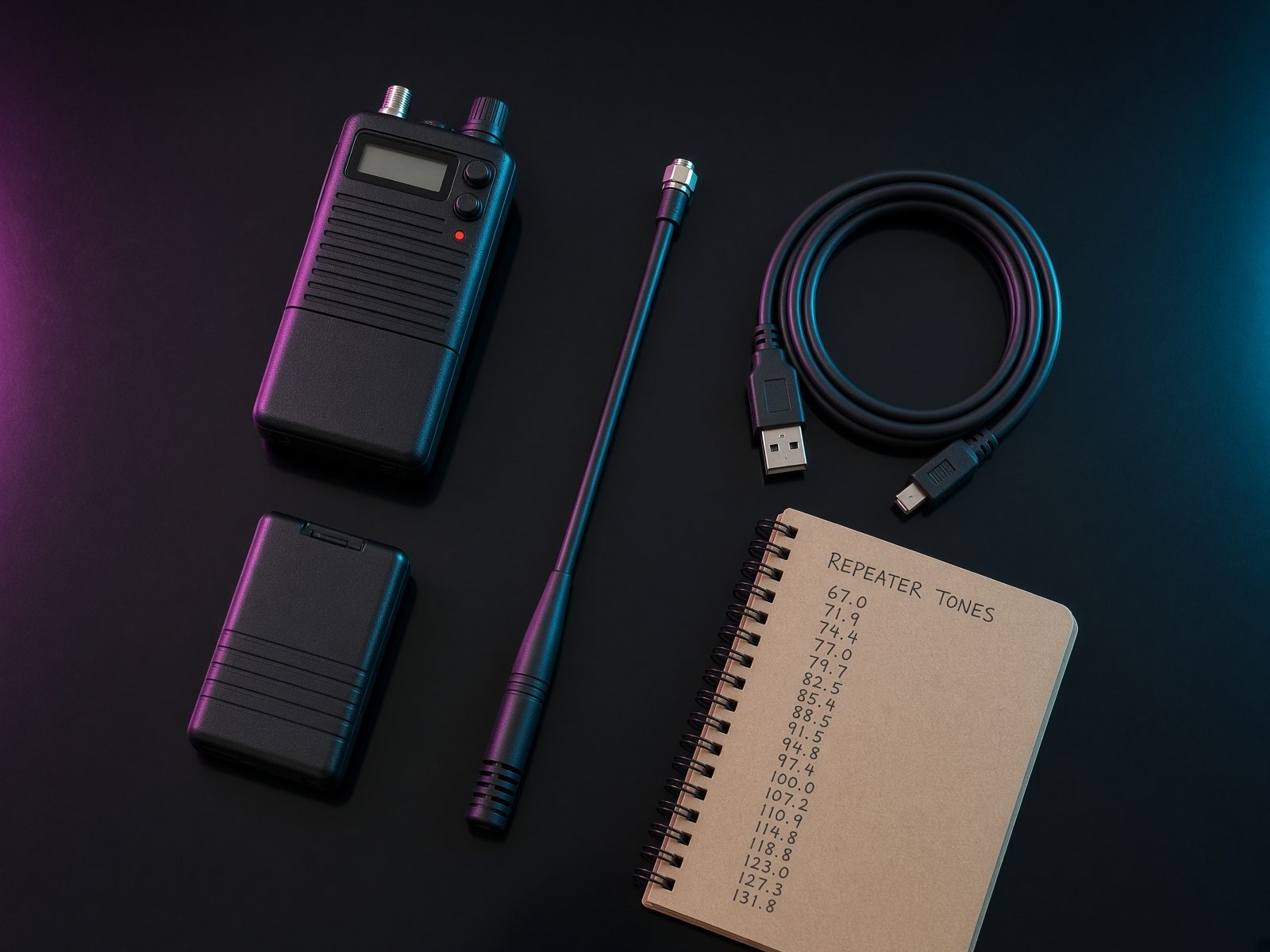
Bench shots, LCD glow, and the budget handhelds out in the wild, between the longer videos on YouTube.
Follow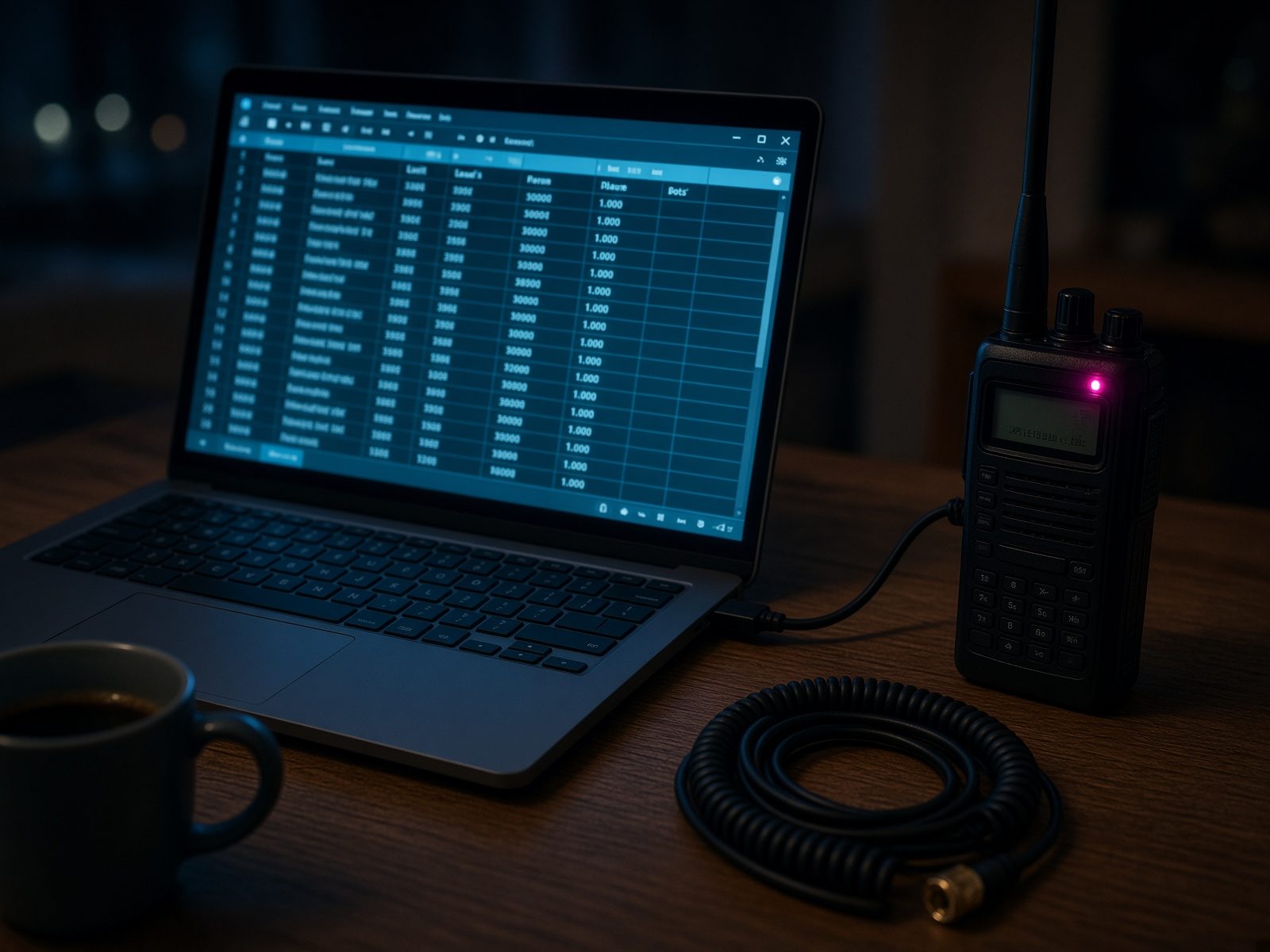
The group is where the conversation sits between videos, so you can ask about a radio, share what you programmed, and compare notes with the rest of the Fam.
Join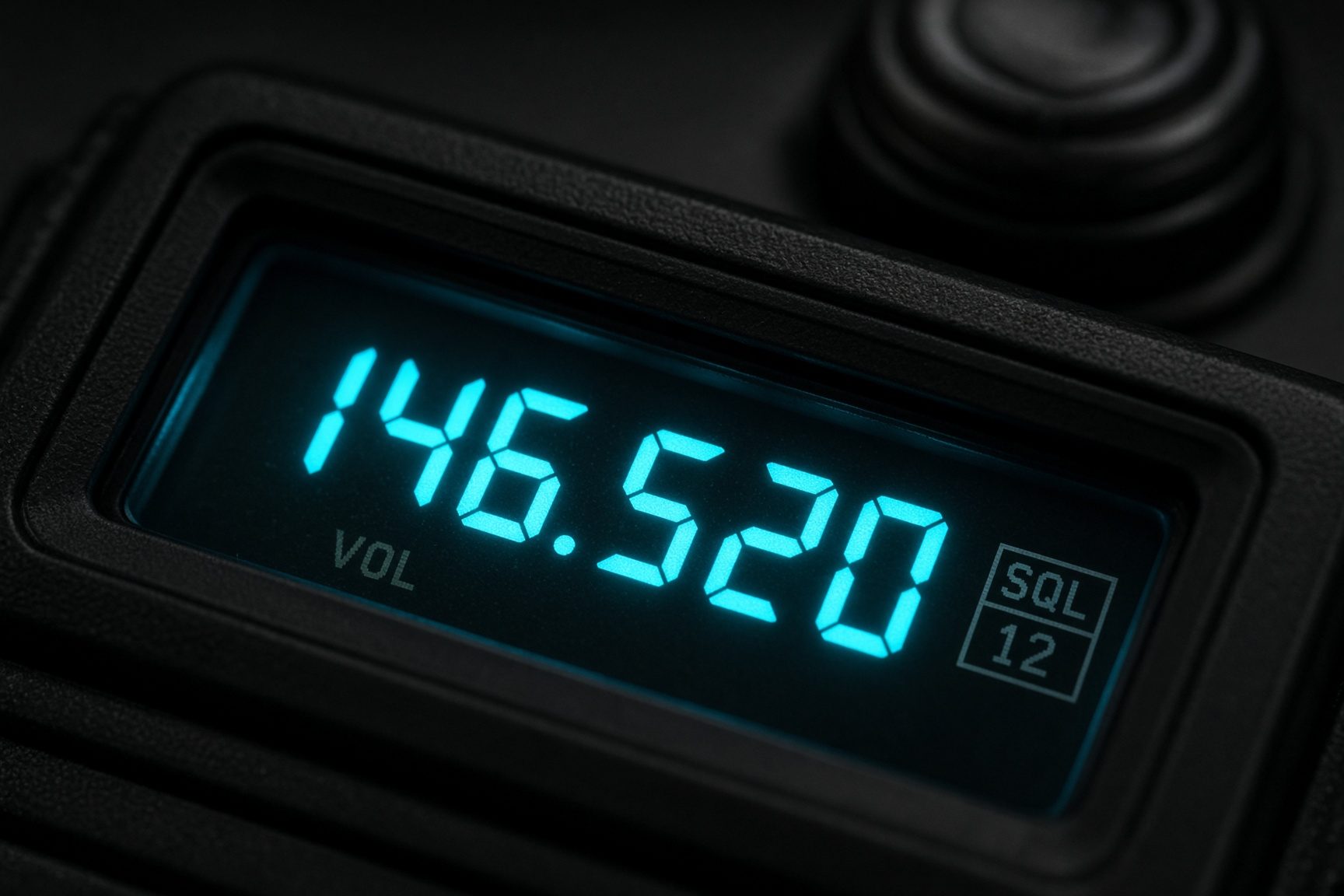
Short clips are paused for the moment, and the full programming videos are still on YouTube.
Coming soonTHE METHOD
Unbox. Program. Tell the truth.
HAM Fam is the budget-savvy ham radio hub, from the radios that earn a place on the bench to the ones that do not, and I unbox them and program them without pretending a thirty-dollar radio is a Yaesu.
01
Unbox
I open Baofeng, Quansheng, Tidradio, and whatever arrived this week, then I show what is actually in the box, what works on the first try, and what you can skip without missing anything useful.
02
Program
I sit with analog memories, DMR, CHIRP, and the manufacturer's CPS software so you are not guessing through the menus on a low-cost ham radio.
03
Honest take
Some of these radios earn a regular place on the bench and some do not, so if the audio is a beast I say so, and if the menus make you swear I say that too.
ON THE AIR
What the videos are for
HAMFam is where I send people who bought cheap radios and then found out that opening the box is the easy part compared with getting a repeater to hear them.
I film the unboxing, the cable, the software, and the first contact so you can see what real airtime looks like before you lose a weekend in a manual.
A cheap radio is still a transmitter, which means you need a license where you live, a frequency you are allowed to use, and a first call that was programmed on purpose.
I spend the time on these radios because they are what most new hams actually own, and because the menus are where people quietly give up.
Real airtime, for me, is another station answering, not a bench that only lights a screen, so the videos stay with the setup until a contact is realistic.
You can pause on the menu I am in, rewind the part that went too fast, and try the same steps on the radio that is sitting on your desk.
When the model wants a computer I show the cable, and when the keypad is the sensible path I stay there until the channel list is something you can use.
Cheap radios can be perfectly fine for local repeaters once they are set up, and they can also be frustrating enough that I will say so instead of pretending every listing is a hidden gem.
You do not need a shelf of expensive gear to get started, but you do need to wait until you are licensed, because inexpensive does not mean the signal stays in the room.
Come for the unboxing if you like seeing what arrived, and stay for the programming if you want the radio to make a contact instead of just powering on.
I am VA7COI, I have been doing this for more than five years, and I still get lost in a menu, which is why the walkthroughs exist instead of a pile of unexplained screenshots.
Whether you have held a license for years or you are still studying, you can follow along and ask a polite question without somebody talking down to you for owning an inexpensive radio.
The YouTube channel is where the full videos live, and this page is the front door so you can find those cheap radios and that real airtime without digging through a feed.
START HERE
Ham honcho or radio rookie
The playlist is the same whether you have been licensed for years or you just passed, and I walk the programming so you can get on the air without a second mortgage and without pretending I never get lost in a DMR menu.
01
Get licensed where you live
You need a license before you transmit, and I am VA7COI in Canada, so your exam path may be different, but the order is the same: get the ticket, then come back for the radio.
02
Grab a budget HT
Baofeng, Quansheng, and Tidradio are the usual starting points, and if I have already covered that model on the channel you can follow the video instead of staring at the manual alone.
03
Watch a programming video
Analog memories, DMR talkgroups, CHIRP, and CPS software are all on the channel for these low-cost ham radios, so pause me and rewind me, because that is what the videos are for.
04
Key up — then tell me
Polite criticism is welcome if I missed a menu or a radio surprised you, and pointless noise gets zapped, so tell me what happened after you actually tried it on the air.
VA7COI
Your ham buddy. Sometimes clueless. Always on the bench.
I'm VA7COI, more than five years in and still chasing budget radios from the ones worth keeping to the ones I only tolerate, and I unbox them, program them, and test them on camera so you can see the difference.
Polite criticism is welcome and pointless noise gets zapped, whether you are a ham who has been at this for decades or a radio rookie who just wants the menu to make sense, so we can learn the gear and swap stories without the lecture.